Introduction
Hi, i want to share a bit of jenkins, what is jenkins? what are the benefit from jenkins? etc. So, Jenkins is a tools open-source automation server used to continuously build, test, and deploy software. Jenkins facilitates Continuous Integration (CI) and Continuous Deployment (CD) workflows, enabling developers to automate various tasks in the software development process.
Benefits and Goals of this article
Adapt to the team workspace
Pre-requisites:
- Jenkins installed and running
- Basic understanding of Jenkins and its components
- Access to a Jenkins instance with appropriate permissions
To-do:
- Setup on google chat
- Create new space on google chat
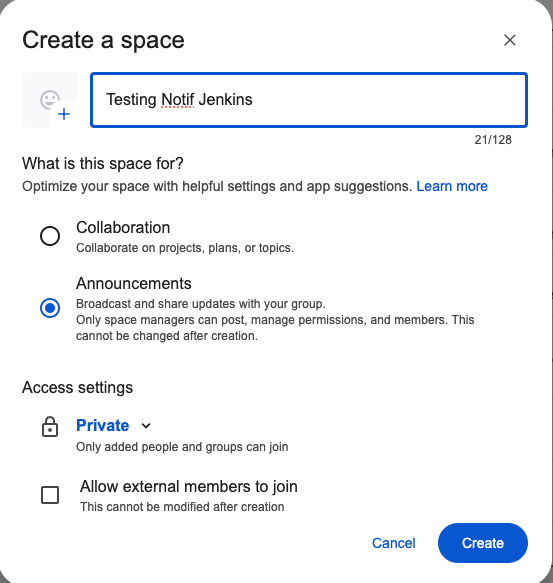
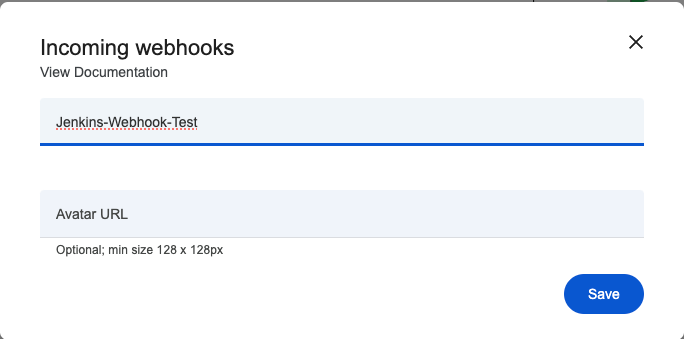
- On your space created, go to Setting → “App & integrations” → “Webhooks” → “Add webhook” for get url webhook/
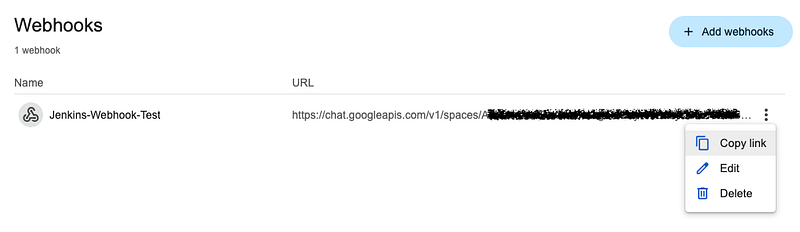
- Copy link url address
- Setup on Jenkins Section
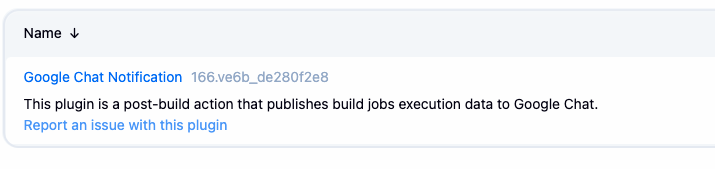
- Install jenkins plugin Google Chat Notification → after install restart jenkins service
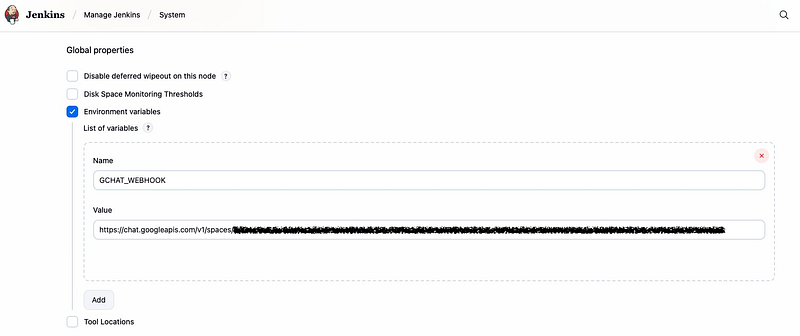
- After install plugin, setup Environment Variable.
- Go to your Jenkins Dasborard → Manage Jenkins → System
- Add Enviroment Variable then paste your url webhook from google chat
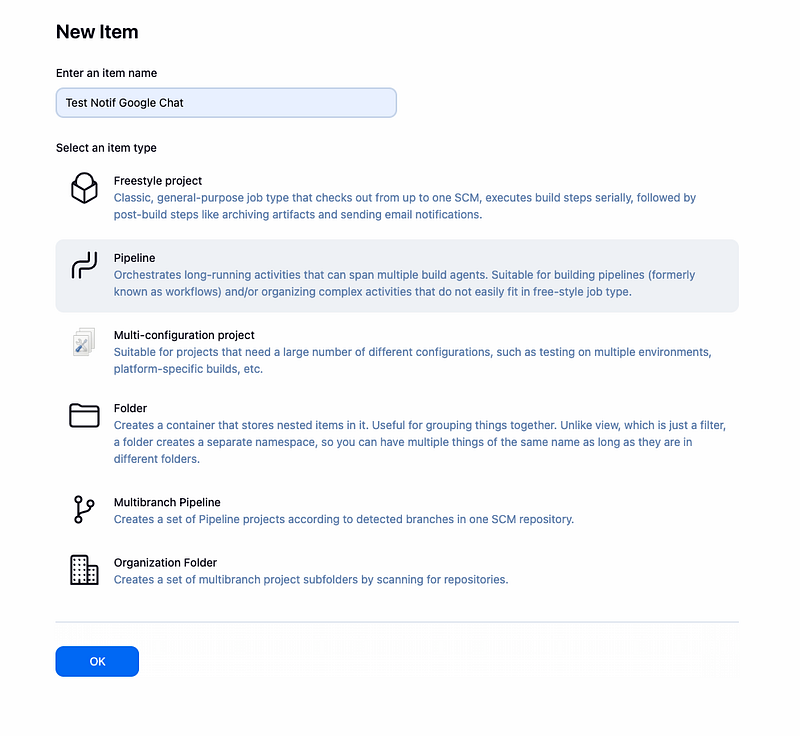
- Then create you example job, with Pipeline type
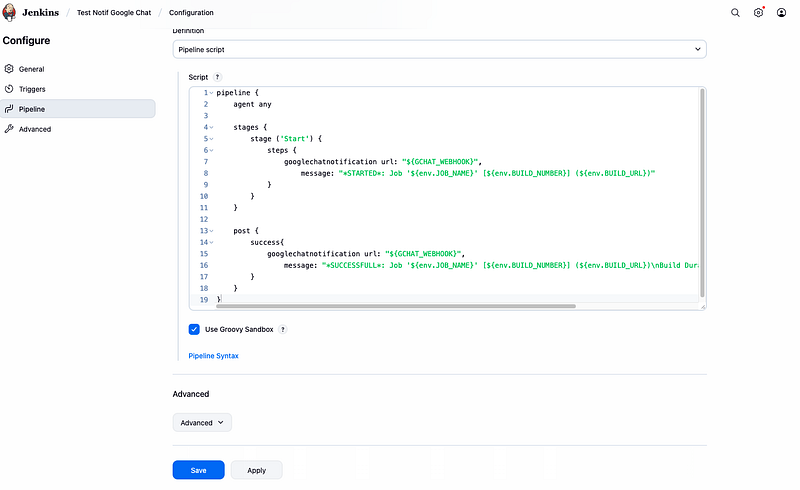
- Scroll down, then find the pipeline script, with example bellow
pipeline {
    agent any

    stages {
        stage ('Start') {
            steps {
                googlechatnotification url: "${GCHAT_WEBHOOK}",
                    message: "STARTED*: Job '${env.JOB_NAME}' [${env.BUILD_NUMBER}] (${env.BUILD_URL})"
            }
        }
    }

    post {
        success{
            googlechatnotification url: "${GCHAT_WEBHOOK}",
                message: "*SUCCESSFULL*: Job '${env.JOB_NAME}' [${env.BUILD_NUMBER}] (${env.BUILD_URL})\nBuild Duration: ${currentBuild.durationString}"
        }
    }
}
- The Run your Job with click “Build Now”
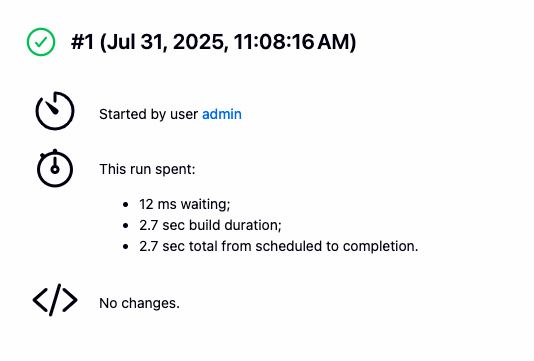
- Job is success. Then check to google space
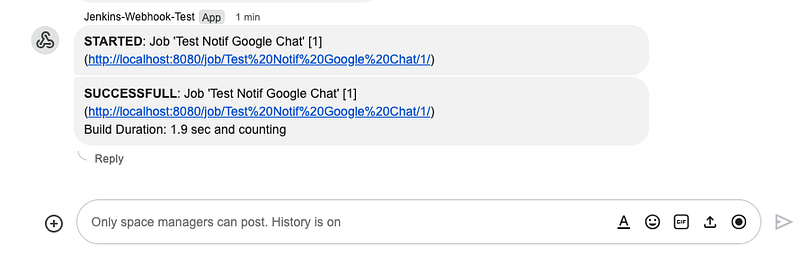
- Yepp, the notif success send to google chat space.
Conclusion
By following the steps outlined in this article, you can successfully set up Jenkins notifications to Google Chat, allowing you to stay informed about your Jenkins builds and deployments in real-time. This integration can enhance team communication and improve the overall efficiency of your development workflow.